
CSV Desk What Is a CSV File?
What Is a CSV File?
A CSV is a text file with one row per line. Everything difficult about it comes from three details: the separator, the quoting and the encoding.
The format
id,name,city
1,Ada Lovelace,London
2,"Smith, John",Paris
One line per row. Fields separated by a comma. The first line usually names the columns, though nothing in the format says it has to, which is why every tool has to guess.
There is no type information anywhere in the file. 01234 is five characters. Whether that is a number, a postcode or a product code is not recorded, and every program that opens the file decides for itself. That single gap causes most CSV trouble, including Excel stripping leading zeros.
The separator
Comma is the default and not the rule. Tab, semicolon and pipe are all common.
Semicolon files usually come from Europe, where the comma is the decimal separator, so 1,5 means one and a half and cannot also separate fields. Excel follows the system region setting when it saves, which is why a colleague’s CSV can open as one long column on your Mac.
A file with tabs is a TSV. It is the same format with a different separator.
Quoting
A field containing the separator, a double quote or a line break has to be wrapped in double quotes:
id,name,note
1,"Smith, John","said ""fine"" and left"
A double quote inside a quoted field is doubled. A line break inside a quoted field is legal, which is why counting lines with wc -l gives a slightly high row count on some files.
These rules come from RFC 4180. Most tools follow them. The ones that do not are the reason a row occasionally arrives split in half.
Encoding
The file records characters as bytes, and how those map back to letters depends on the encoding.
UTF-8 handles every language and is what you should expect today. Older exports arrive as Windows-1252 or Latin-1, which cover Western European letters and nothing else. Open one as the other and é becomes é.
A file can start with a byte order mark, three bytes that say “this is UTF-8”. Excel on Windows needs it to detect UTF-8 reliably, which is why exports meant for Excel often include one. It is invisible when read correctly and shows up as  before the first column name when it is not.
Opening one on a Mac
Double-clicking gives the file to Numbers, which will open it and reformat parts of it. That is fine for a short list and risky for data going anywhere else.
For anything larger, or anything where the values matter, use a tool that shows you the separator, the encoding and the header row before it loads, and then leaves the values alone.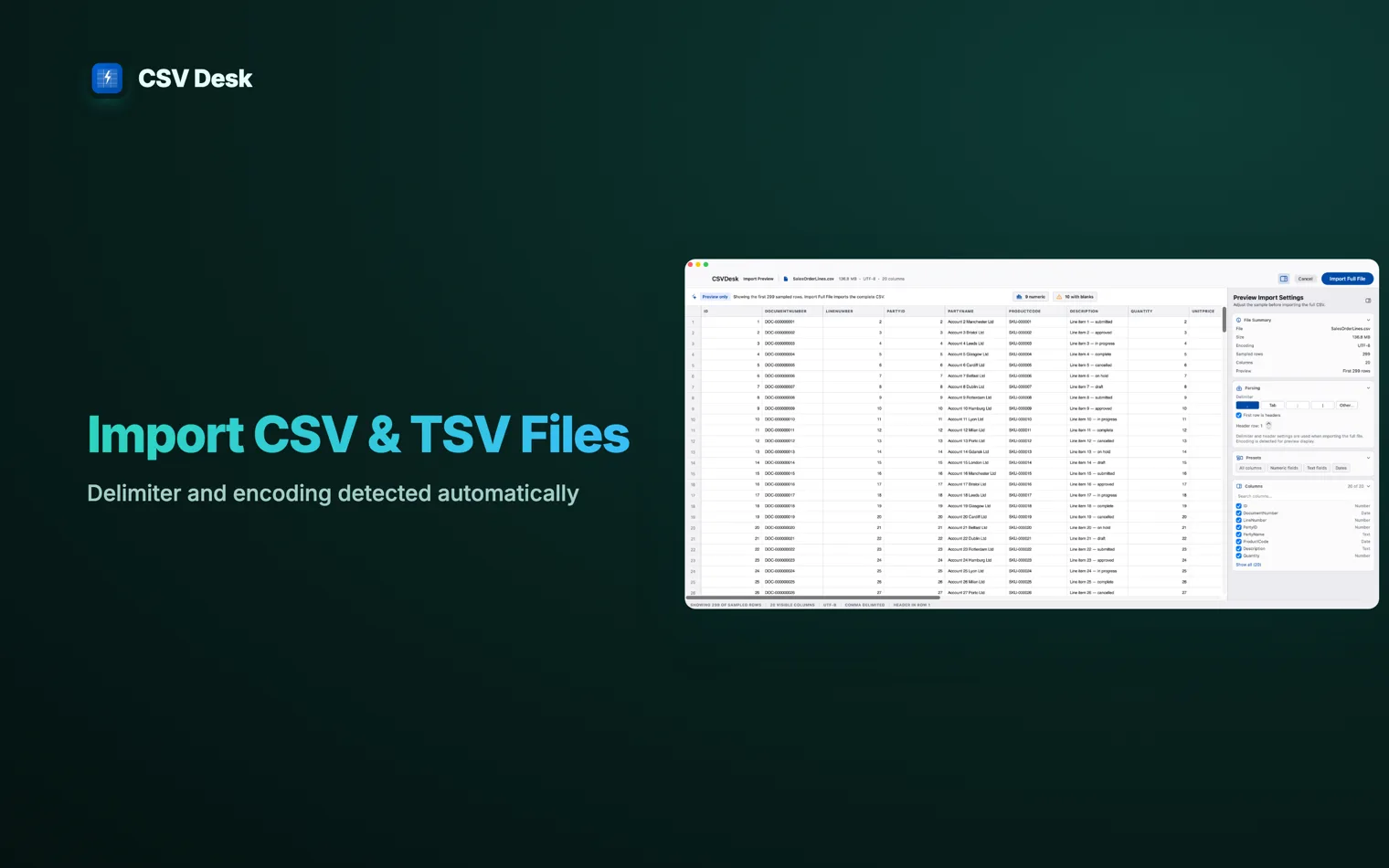
CSV Desk detects those three from the first rows and shows you what it found, so a semicolon file or a Latin-1 file is a setting to confirm rather than a puzzle to solve after the fact. Comma-separated values. One line per row, fields separated by commas, and usually a first line naming the columns. The separator. TSV uses a tab, CSV uses a comma. Tabs almost never appear inside a value, so TSV needs less quoting. Everything else about the two formats is the same. Yes, if the value is wrapped in double quotes. The file and the reader disagree about the encoding. The file is almost certainly UTF-8 and the reader has assumed an older single-byte encoding such as Windows-1252. Choosing UTF-8 at import fixes it. Adding a BOM to the file makes Excel on Windows detect it without being asked. No. A CSV is plain text with no formatting, no formulas, no colours and no sheets. An Questions
What does CSV stand for?
What is the difference between CSV and TSV?
Can a CSV file contain commas inside a value?
"Smith, John",42 is two fields, not three. A double quote inside a quoted field is written twice, as "".Why do accented characters look wrong when I open a CSV?
Is CSV the same as Excel?
.xlsx file is a compressed archive that holds all of those. Saving a workbook as CSV keeps the values of one sheet and discards the rest.