
CSV Desk How to Open a Large CSV File on a Mac
How to Open a Large CSV File on a Mac
A spreadsheet loads the whole file into memory. That is the entire problem, and it decides which of these options will work for you.
Why the file will not open
A CSV is plain text, so nothing about it is hard to read. The difficulty is size. Excel and Numbers parse the file into cells in memory, and each cell costs more in memory than it did on disk. A 2 GB file often needs four to eight times that in RAM.
Two things then happen. The app hits its own row ceiling, or the Mac runs out of memory and starts swapping. Excel’s ceiling is 1,048,576 rows. Numbers has a similar limit and gets slow well before reaching it.
Anything that reads the file from disk in pieces has no such limit. That is the dividing line between the options below.
Option 1: split the file
split -l 1000000 big.csv part_
Free, built in, and instant to try. You get a stack of files with a million lines each.
Only the first piece has the header row, so the rest open with unlabelled columns. Worse, a sort or a total is now per piece, and stitching those back together by hand is where mistakes get made. Useful for a quick look at the shape of the data, not for answering a question about it.
Option 2: the command line
sqlite3 ships with macOS and will load a CSV directly:
sqlite3 data.db
.mode csv
.import big.csv rows
select count(*) from rows;
DuckDB is the faster modern option and queries the file in place with select * from 'big.csv'. Both are free, both stay on your machine, and both read from disk rather than memory, so file size stops mattering.
The cost is that you have to know what you want before you can ask for it. There is no scrolling around to see what you have, and editing a value means writing an update statement.
Option 3: a text editor
BBEdit opens very large files and will show you the raw lines. That is genuinely useful for finding a malformed row or checking what the delimiter is.
It is not a table. Column 34 of row 800,000 is text on a line, and sorting by a column is not a thing a text editor does.
Option 4: upload it somewhere
Search results are full of online CSV viewers. Before dragging the file in, check whose data it is. An export of your own side project is one thing. A customer list, a payroll file or a public body’s records leaving your machine is usually the one step you cannot take back.
Option 5: a Mac app that streams
CSV Desk imports the file into SQLite on your Mac and reads rows from disk as you scroll. Memory stays flat, so a 5 GB file behaves like a small one. You get a normal grid: sort by clicking a header, filter by typing under one, find and replace across the whole file, and per-column statistics beside it.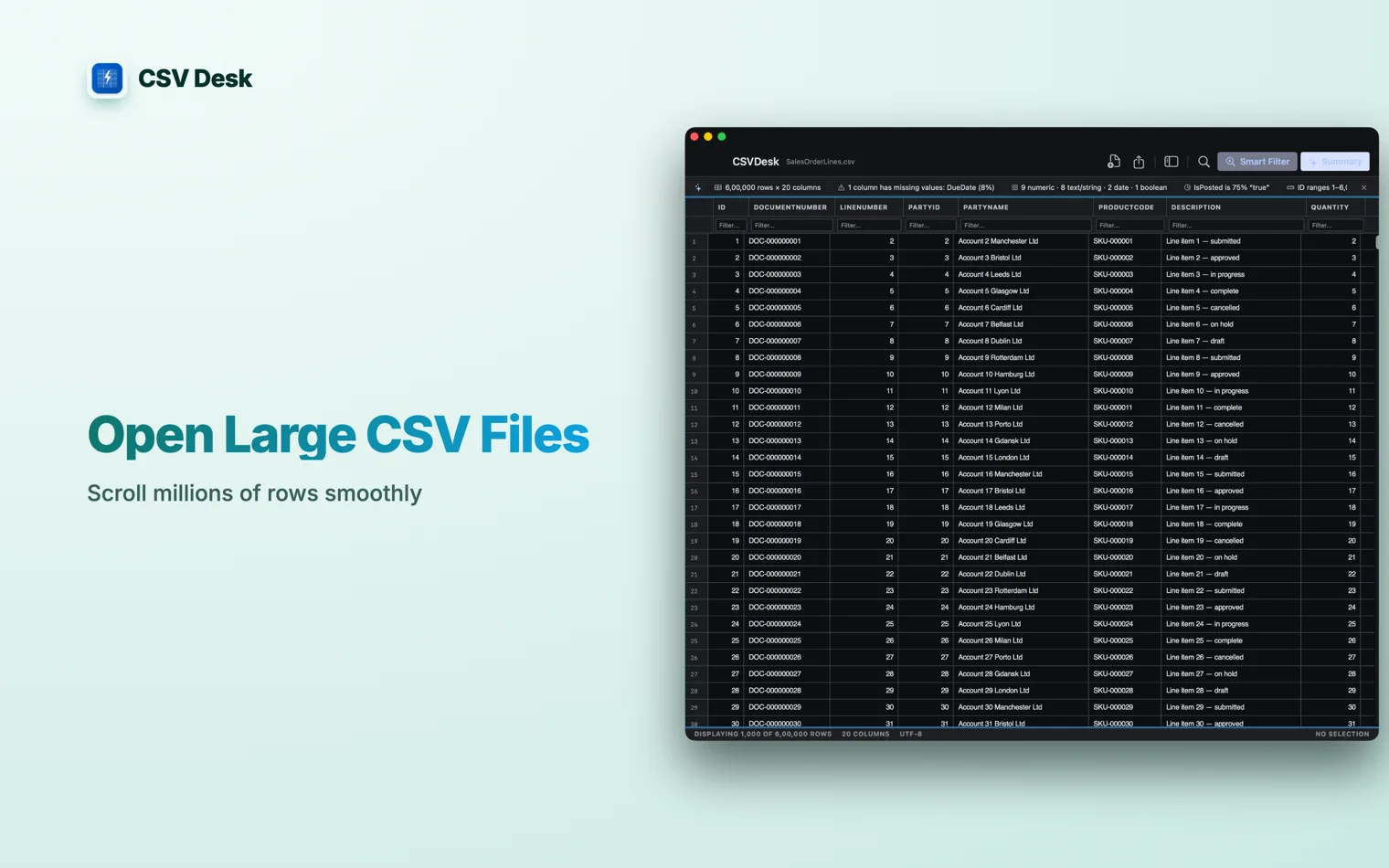
The file you import is treated as read-only source, and the first save asks where to put the result.
Which one to pick
| You need one number out of the file | DuckDB or sqlite3. Fastest path to an answer. |
|---|---|
| You need to look at a bad row | A text editor that handles big files. |
| You need to read, sort and fix the data | An app that streams from disk. |
| The data belongs to someone else | Anything that keeps it on your machine. |
Questions
How large a CSV can Excel open?
1,048,576 rows and 16,384 columns. Past that Excel loads what fits and tells you the file was not loaded completely. The rest of the file is still there on disk, you just are not looking at it.
How do I open a 5 GB CSV file?
Use something that reads the file from disk instead of loading it into memory. That means a streaming tool: DuckDB or sqlite3 on the command line, or a Mac app built on the same idea. Spreadsheets load the whole file into RAM, which is why they fail first.
Can I split a large CSV into smaller files?
Yes, with split in Terminal, and it works. The catch is that only the first piece keeps the header row, so every other piece opens with its columns unlabelled, and any sort or count you run is now per piece rather than across the file.
Why is my Mac slow when I open a big CSV?
Because the app is holding the whole file in memory, plus its own per-cell overhead, which is usually several times the size on disk. A 2 GB file can need 8 GB or more of RAM. Once that exceeds what is free, macOS starts swapping to disk and everything stalls.