
CSV Desk When a CSV Is Too Big for Excel
When a CSV Is Too Big for Excel
Excel does not refuse the file. It loads the part that fits and tells you afterwards, which is the dangerous version of failing.
What the limit actually is
A worksheet holds 1,048,576 rows and 16,384 columns. That has been the ceiling since Excel 2007 and it is the same in Excel for Mac.
Open a CSV with more rows than that and Excel shows a message saying the file was not loaded completely. It has read the first 1,048,576 rows. Everything past that is still in the file on disk, and absent from your screen.
Why this is worse than an error
An error stops you. A partial load lets you carry on.
Sort that sheet and you have sorted a slice. Total a column and the number is short by however much was dropped. Save it back out as CSV and the rows that did not load are now gone from the saved copy too, because Excel writes what it holds.
If a file has ever been through that cycle, the safe assumption is that the export is the truth and the spreadsheet is not.
Find out how many rows you have
wc -l yourfile.csv
That prints the line count, which is your rows plus the header row. It over-counts slightly if any field contains a line break inside quotes, which is legal in CSV. Close enough to tell you whether you are over the limit.
What to do about it
Filter before you load. If you only need last month, cut the file down first with grep, DuckDB or sqlite3, then open the smaller result anywhere you like.
Summarise without loading. DuckDB will run select count(*), sum(amount) from 'big.csv' against the file on disk. No import step, no row limit.
Use something without the ceiling. CSV Desk streams the file into a local database and reads rows from disk as you scroll, so the row count stops being a limit. Sorting, filtering and totals cover the whole file rather than the first million rows.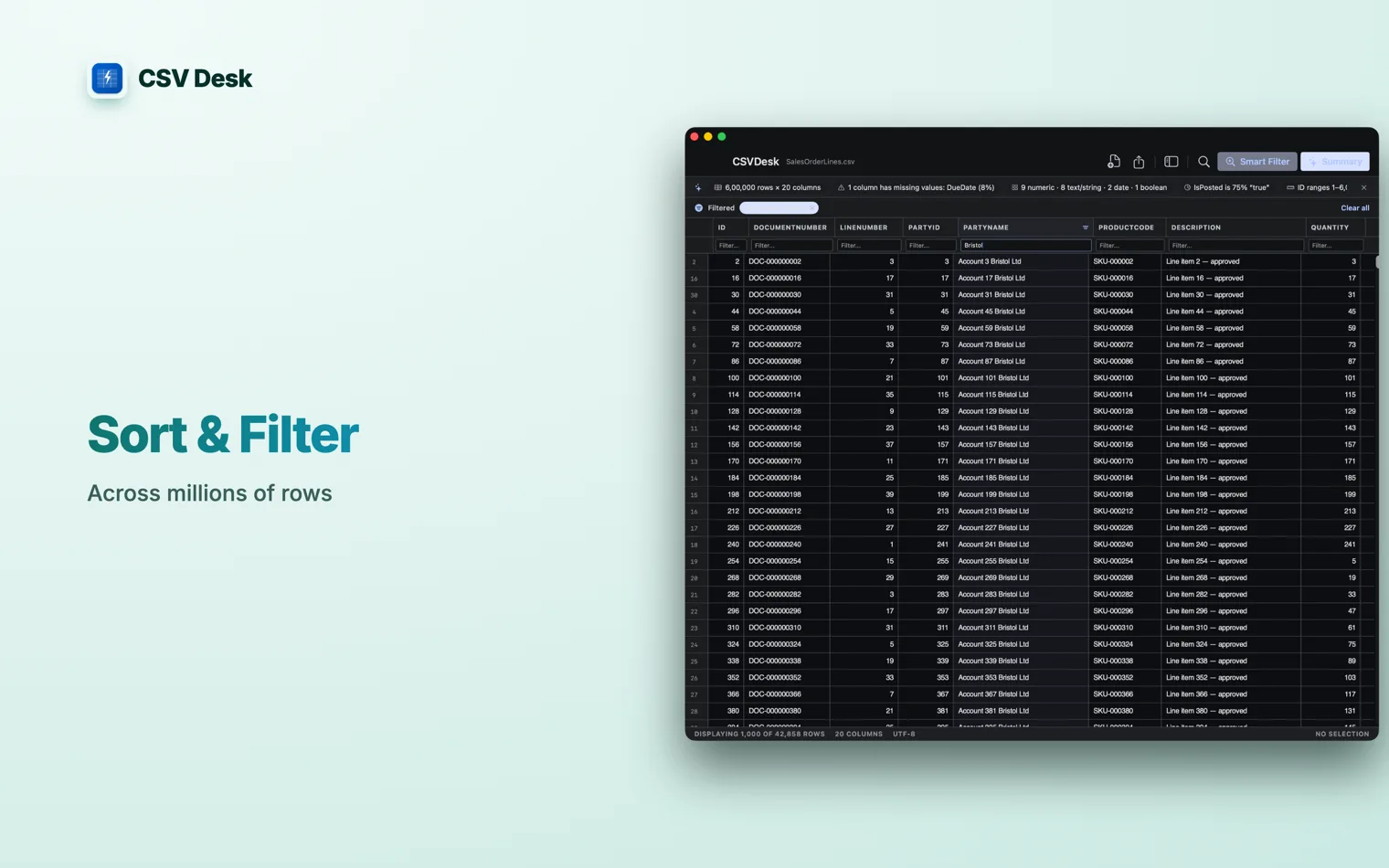
Do not split it if you can avoid it
split -l 1000000 big.csv part_ gets you under the limit in one command. It also leaves every piece except the first without a header row, and turns one dataset into eight that have to be recombined by hand.
It is a reasonable last resort. It is a bad default, because the recombining step is where the error creeps in and nothing warns you when it does. 1,048,576 rows by 16,384 columns per sheet, which is 2 to the power of 20 by 2 to the power of 14. The number has not changed since Excel 2007 and is the same on Mac and Windows. Excel reached its row or column limit and stopped reading. What you are looking at is the first 1,048,576 rows. The file on disk is unchanged and still holds everything, but anything you count, sort or total in that sheet covers the part that fits, not the file. Open Terminal and run No. It is fixed in the file format. Power Query on Windows can load a bigger file into the data model and summarise it without putting the rows on a sheet, but the sheet itself never holds more than 1,048,576 rows.Questions
What is Excel's row limit?
What does 'File not loaded completely' mean?
How do I count the rows in a CSV file?
wc -l yourfile.csv. It prints the number of lines, which is your rows plus the header. It is off if any field contains a line break inside quotes, so treat it as close rather than exact.Can I raise the row limit in Excel?