
CSV Desk A CSV Editor for the Mac
A CSV Editor for the Mac
Most tools that open a CSV are spreadsheets, and a spreadsheet's job is to interpret your file. That is the source of nearly every complaint about CSV on a Mac.
The difference that matters
A spreadsheet reads 007 and decides you meant the number seven. It reads 3-4 and offers you the fourth of March. It reads a 16-digit account number and stores it as a float, which quietly drops the last digits.
None of that is a bug. It is a spreadsheet doing what a spreadsheet is for, which is helping a human enter numbers.
A CSV editor starts from the opposite assumption. The file is data that already exists, someone else’s system will read it next, and your job is to change one thing without disturbing the rest. Every value stays text unless you say otherwise.
If the file is a shopping list, use a spreadsheet. If the file is going into an import, a database or a colleague’s pipeline, use something that does not interpret it.
What is available on macOS
Numbers. Free, already installed, comfortable for a few thousand rows. It reformats values it recognises, and exporting to CSV writes its own idea of the file rather than yours.
Excel. The most capable of the spreadsheets and the most eager to convert. Its row limit is 1,048,576. Importing through Data ▸ Get Data and setting the column type to Text avoids most of the coercion, but you have to remember to do it every time.
Text editors. BBEdit and similar will open enormous files and show you the raw lines. Good for spotting a broken row, useless for sorting by a column.
Command line. sqlite3 comes with macOS. DuckDB and csvkit are a Homebrew install away. All three read from disk, so size is not a constraint, and all three need you to know the question before you can ask it.
Dedicated CSV apps. A handful exist on the Mac App Store, including free ones. Most load the file into memory, which sets a practical ceiling somewhere around the RAM you have free.
Four things to check before trusting one
Does it change values? Put a cell containing 007, one containing a 16-digit number and one containing 3-4 through an import and an export. Compare the result to the original. This takes two minutes and rules out most tools.
What happens at your file size? Not the marketing number, yours. Open the biggest file you actually work with and watch memory in Activity Monitor while you scroll to the end.
Does it write over your original? Some apps save in place by default. That is fine until an import setting was wrong and the source is already overwritten.
Does it need the network? Check whether it uploads, syncs or phones home. For anything belonging to a client or an employer, that answer decides the question on its own.
Where CSV Desk sits
It is built for the case where the file is large and the values must survive. Rows stream from a local database rather than sitting in memory, so multi-gigabyte files open normally. Values are kept as text end to end, and export writes back the delimiter, quoting, encoding and line endings the file arrived with.
Beside the grid it reports what each column contains: type, how complete it is, distinct counts, ranges and the most common values. That is the part a spreadsheet does not do at all. Yes. Numbers is free and fine for small files. Table Tool is a free CSV viewer on the Mac App Store. On the command line, sqlite3 ships with macOS and DuckDB and csvkit install with Homebrew. The free options run out at large files and at editing. For a small file, yes. Two things to watch. Numbers reformats values it recognises as numbers or dates, so leading zeros and long ID numbers can change. And exporting back to CSV writes Numbers' own formatting choices, not the file you started with. A spreadsheet treats the file as a document to interpret: it guesses types, applies formatting and adds formulas. A CSV editor treats it as data to preserve: every value stays as text, and what you export is what you imported apart from your edits. A TSV is a CSV with tab as the separator, so any tool that lets you choose the delimiter will open it. In CSV Desk, drag the file onto the window and pick Tab in the import preview. The Open panel filters to 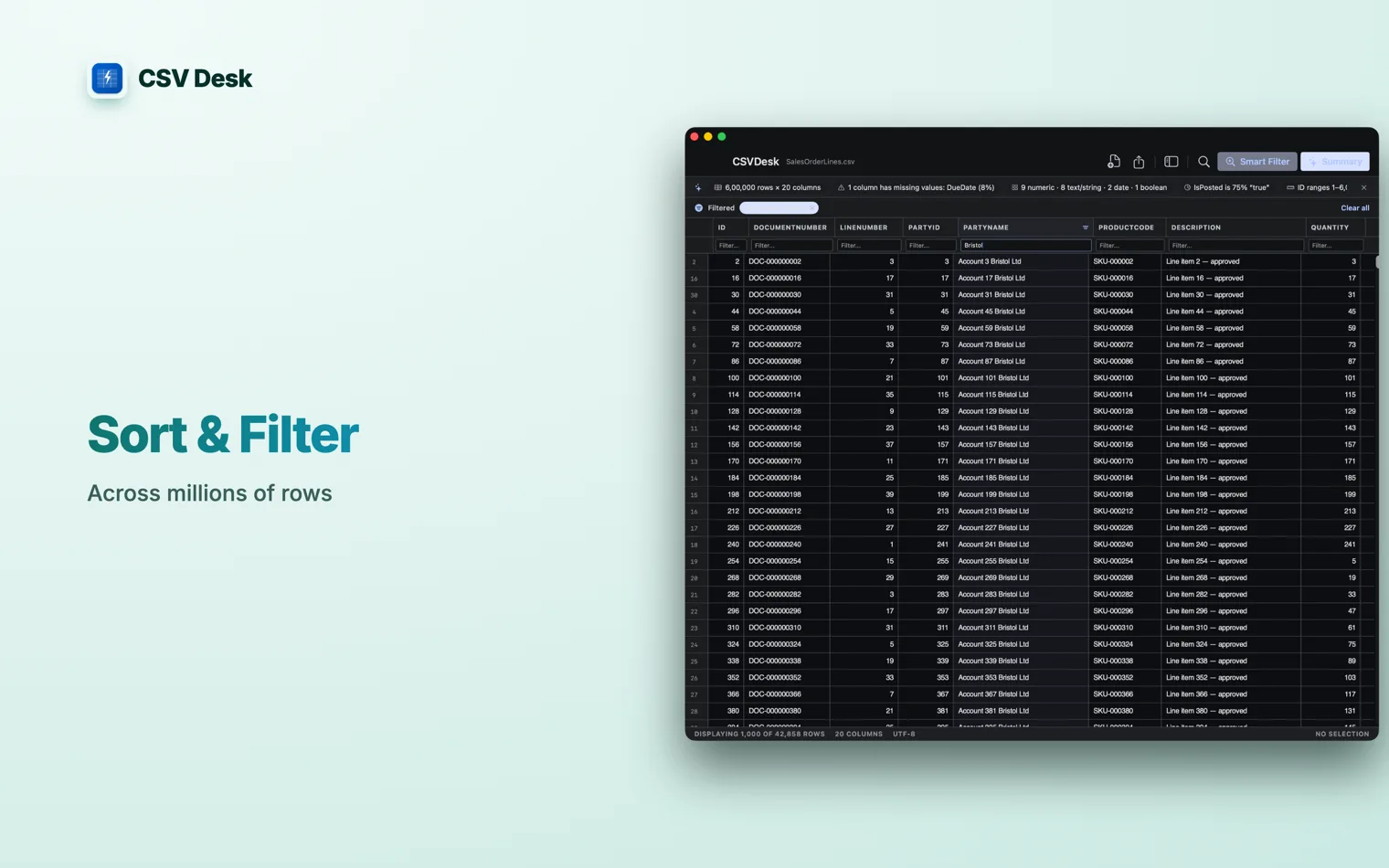
Questions
Is there a free CSV editor for Mac?
Can I use Numbers as a CSV editor?
What is the difference between a CSV editor and a spreadsheet?
How do I open a TSV file on a Mac?
.csv, so dragging is the shorter route.